
 v1.3
mhodume
MOD LAUNCHER FOR VHOLUME
01
Download
Linux
YOUR SYSTEMFeatures
02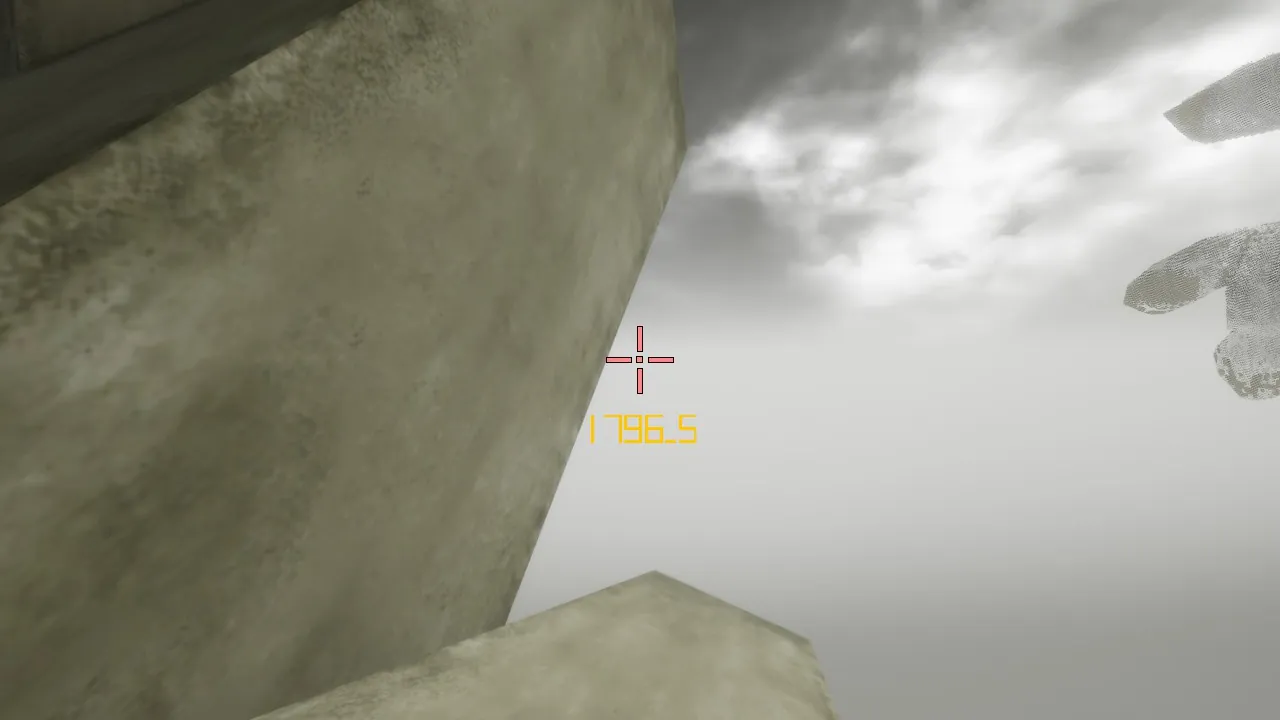
Crosshair
Shape, size, colour. Live preview.
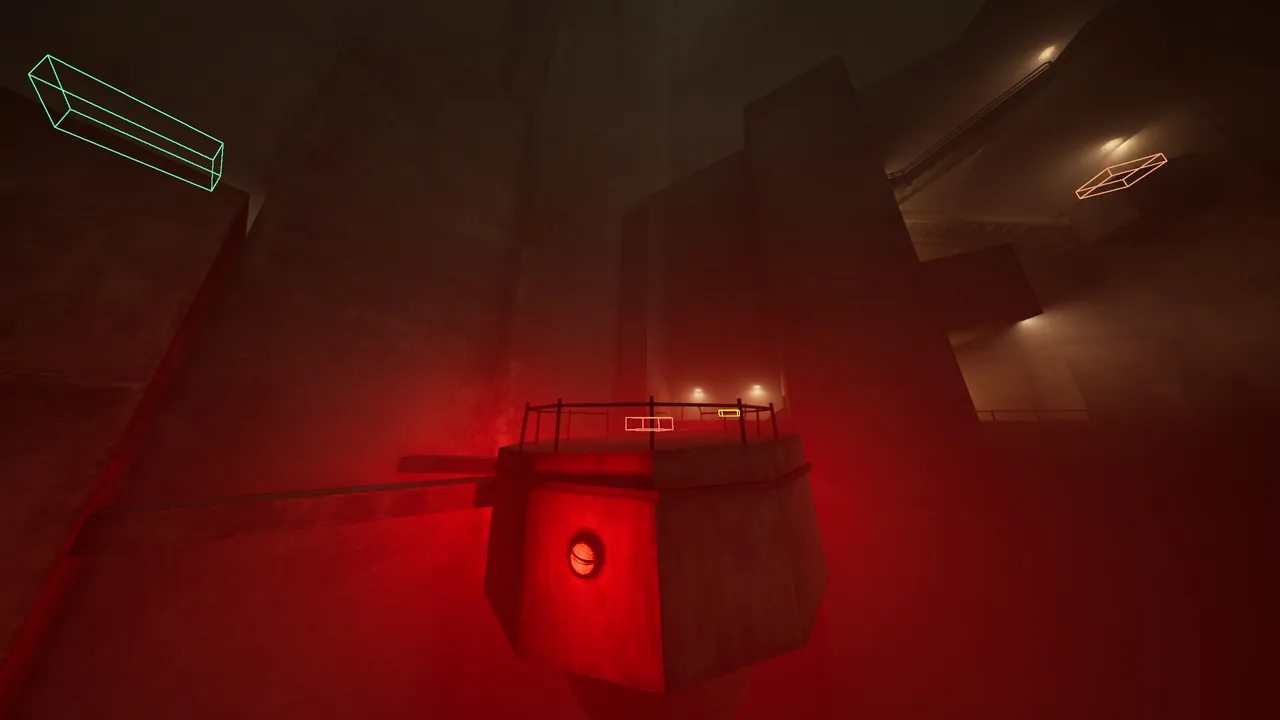
Checkpoints
Split the route. Drill one section.
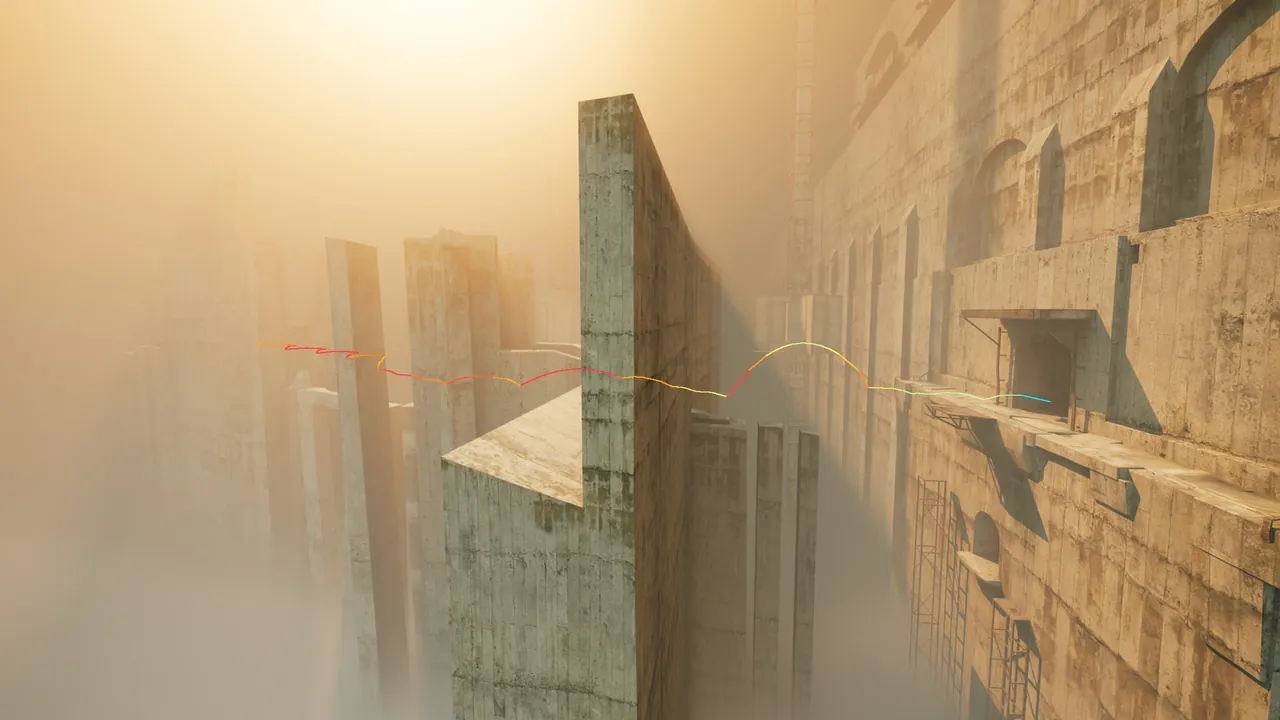
Trajectory
Your best run, drawn in the level.
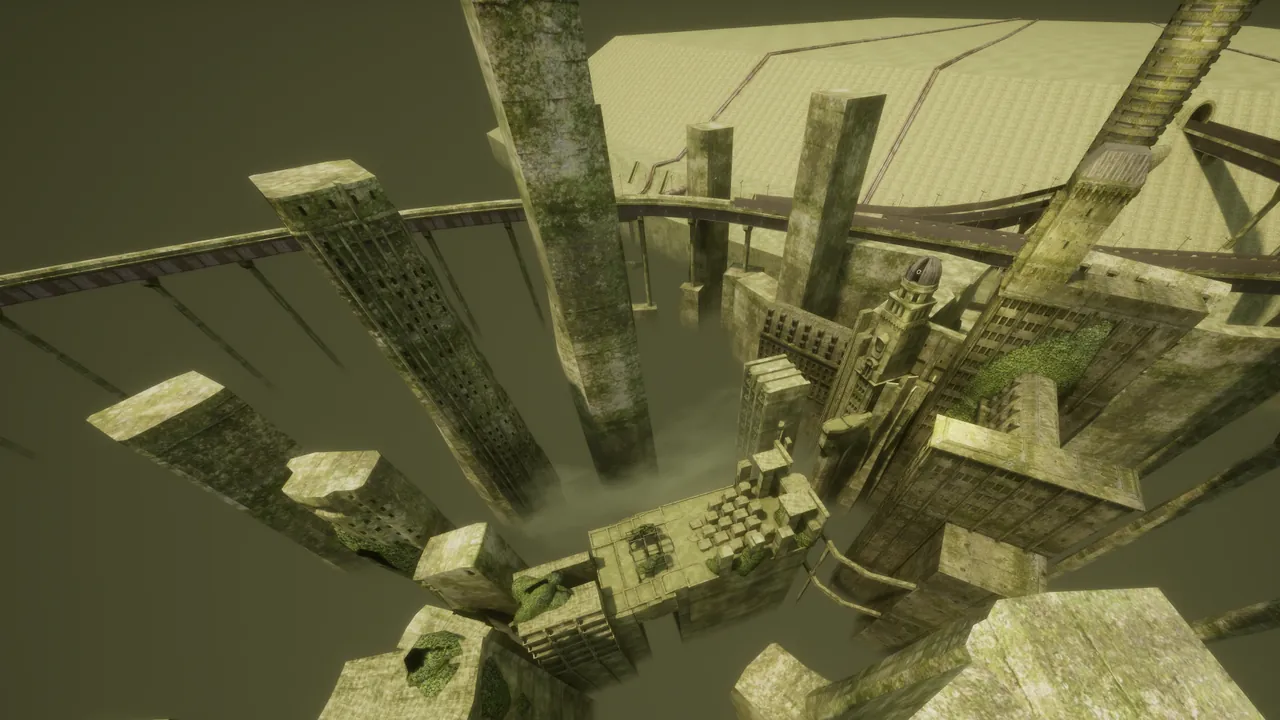
Freecam
Fly the level. Scout lines.
03
Install
WINDOWS
1Unzip, run Mhodume Launcher.exe.
2Open game folder, copy in what’s inside
Copy into game - Binaries Win64.
3Pick Training or Compete.
4In game, Ctrl+Shift+M for the overlay.
LINUX · BETA
$ mkdir mhodume
$ tar -xf Mhodume-Linux-v0.1.2.tar.gz -C mhodume
$ cd mhodume && chmod +x Mhodume
$ ./Mhodume
$ tar -xf Mhodume-Linux-v0.1.2.tar.gz -C mhodume
$ cd mhodume && chmod +x Mhodume
$ ./Mhodume
Copy the mod into the game’s Win64 folder, launch VHOLUME once,
then set its Steam launch option to WINEDLLOVERRIDES="dwmapi=n,b" %command%.
04
FAQ
01Where does the mod go ?
In the game’s Binaries\Win64 folder. Note VHOLUME twice in the path:
…\steamapps\common\VHOLUME\VHOLUME\Binaries\Win64\
Copy what’s inside Copy into game - Binaries Win64 (the file dwmapi.dll
and the folder ue4ss) straight into it, not the folder itself. The launcher’s
Open game folder button takes you there while the mod isn’t installed; otherwise, in Steam,
right-click VHOLUME → Manage → Browse local files, then open VHOLUME → Binaries → Win64.
On Linux it’s the same folder inside your Steam library.
02How do I uninstall it ?
From the launcher: click Uninstall mod at the bottom right. It removes the mod from the game and offers to delete your Mhodume settings too; then delete the launcher’s folder.
By hand: in the game’s Binaries\Win64 folder, delete dwmapi.dll
(or dwmapi.dll.off) and the ue4ss folder. Your settings live in
%LOCALAPPDATA%\Mhodume if you want those gone as well. Steam’s “Verify integrity
of game files” won’t remove the mod: those files aren’t the game’s, so Steam leaves them.
On Linux, also remove the WINEDLLOVERRIDES launch option.
Mhodume never modifies the game’s own files, so once these are gone the game is exactly as before.
03Why does Windows warn me when I open the launcher ?
That’s SmartScreen. It warns about any program that isn’t code-signed and that Windows hasn’t seen many times yet, which is the case for a small community tool like this one. Click More info → Run anyway.
You can check your download is the real one against the SHA-256 checksums.
04Is Mhodume made by VHOLUME’s developers ?
No. Mhodume is a community project, made by players for players. It isn’t affiliated with, nor endorsed by, VHOLUME’s developers. Please don’t ask them for help with it, and report bugs here instead.
05Do I need to own the game ?
Yes. Mhodume is a mod for the Steam version of VHOLUME and you need your own copy: get VHOLUME on Steam. Pirated copies aren’t supported and it won’t work with them.
06Why don’t my times count ?
While the mod is loaded you’re in Training, and the game doesn’t submit times from a modded session. For runs that count, pick Compete in the launcher: it restarts the game without the mod.
07Can I get banned for using it ?
No. The mod only changes what you see in your own game. While it’s loaded you can’t play online. The game keeps a modded session away from its online features and leaderboard. Switch to Compete to play online and to submit a run to the leaderboard.
08Can I submit runs to speedrun.com with it ?
Not for now. Record runs for speedrun.com without the mod (Compete, or with the mod removed). Use Mhodume to practise, then run clean.
09Where can I talk about VHOLUME ?
On the game’s official Discord. It’s the developers’ community for VHOLUME. For problems with Mhodume, use the bug report below.
05
Changelog
Loading the release notes…
06
Report a bug
something broke ? tell us
A GOOD REPORT HAS
What you clicked, in order
What you expected, and what happened instead
The level or mode, if it matters
Reports come straight to us, with your system and version.